
Unity
By CoplayDev·11,200
Control the Unity Editor from MCP clients via a Unity bridge + local Python server.


Proudly sponsored and maintained by Aura — the AI assistant for Unreal & Unity.
And don't miss Godot AI, the new open source project from the makers of MCP for Unity.
Create your Unity apps with LLMs. MCP for Unity bridges AI assistants — Claude, Codex, VS Code, local LLMs, and more — with your Unity Editor via Model Context Protocol. Give your LLM the tools to manage assets, control scenes, edit scripts, run tests, and automate your game dev workflows.
Recent Updates
- v10.0.0 (2026-06-30)
- v9.7.3 (2026-06-15)
- v9.7.1 (2026-05-24)
- v9.7.0 (2026-05-22)
- v9.6.8 (2026-04-27)
Full history: Release Notes.
What it does
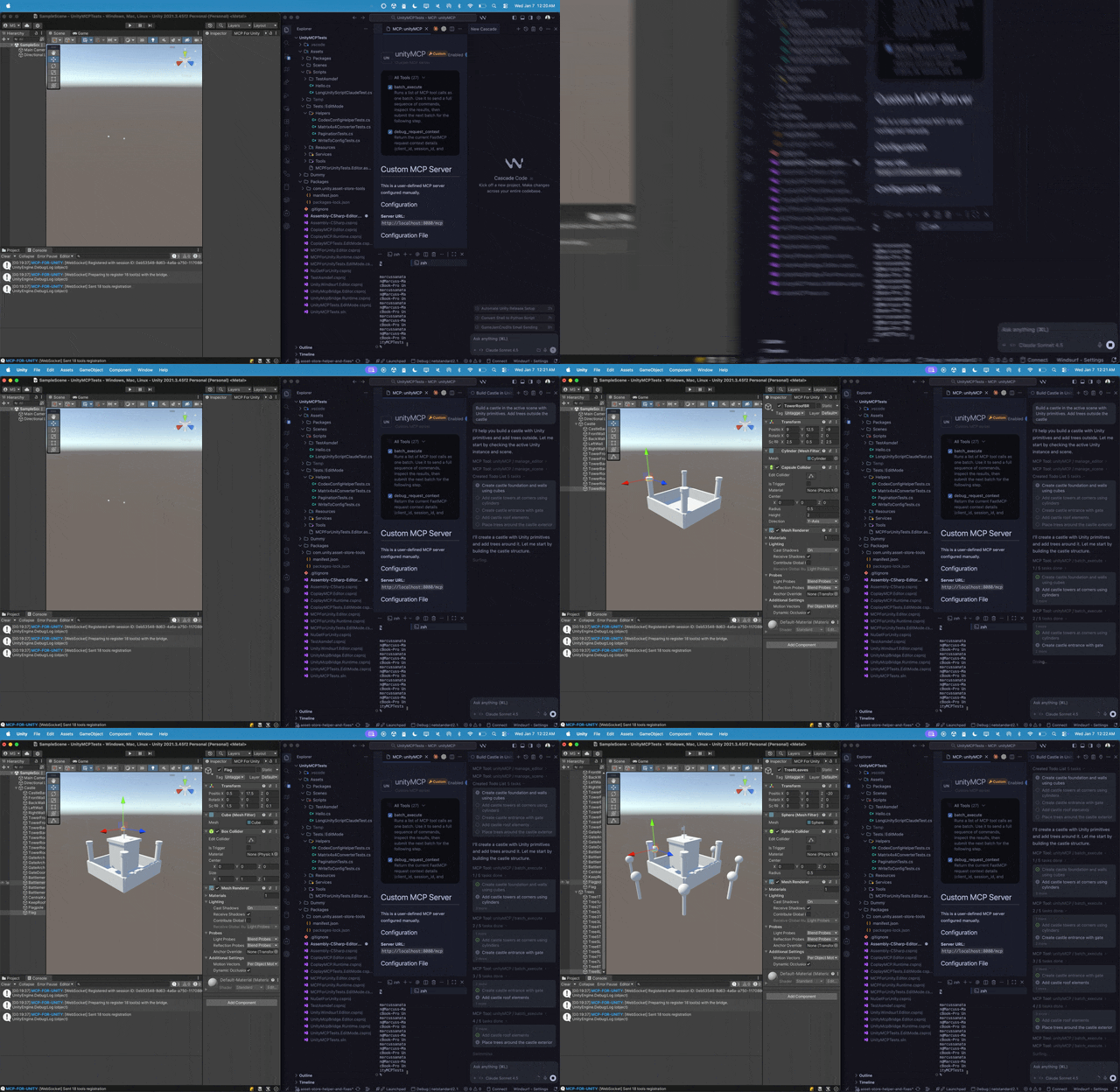
Control the Unity Editor in natural language from any MCP client — create scenes & GameObjects, edit C# scripts, manage assets, run tests, profile, and build. 47 focused MCP tool entrypoints, any client, free & MIT.
Browse the full tool catalog →
Quickstart
Requirements: Unity 2021.3 LTS → 6.x · Python 3.10+ (via uv). Works with any MCP client — Claude Desktop & Code, Cursor, VS Code, Windsurf, Cline, Gemini CLI, and more.
- Install — Unity → Package Manager → Add from git URL:
https://github.com/CoplayDev/unity-mcp.git?path=/MCPForUnity#main(pin#v10.0.0for this release, oropenupm add com.coplaydev.unity-mcp) - Configure —
Window → MCP for Unity → Configure All Detected Clients. - Prompt — "Create a cube at the origin and add a Rigidbody." The cube appears in seconds.
Community
- Discord — chat with maintainers and other contributors
- Issues — bugs and feature requests
- Discussions — design ideas and broader questions
- Security: see SECURITY.md for private reporting
Contributing
See CONTRIBUTING.md. Branch off beta, not main. The full dev setup, testing, and release process live in the Contributing docs.
Advanced
- Multiple Unity instances — Multi-Instance Routing
- Tool groups (vfx / animation / ui / testing / etc.) — Tool Groups
- v10 asset generation and upgrade notes — v10 Migration
- Roslyn script validation — Roslyn Validation
- Remote-hosted server with auth — Remote Server Auth
Star History
Citation
If MCP for Unity helped your research, please cite it.
@inproceedings{wu2025mcpunity,
  author    = {Wu, Shutong and Barnett, Justin P.},
  title     = {{MCP-Unity}: {Protocol-Driven} Framework for Interactive {3D} Authoring},
  year      = {2025},
  isbn      = {9798400721366},
  publisher = {Association for Computing Machinery},
  address   = {New York, NY, USA},
  url       = {https://doi.org/10.1145/3757376.3771417},
  doi       = {10.1145/3757376.3771417},
  series    = {SA Technical Communications '25}
}
Unity AI Tools by Aura
Aura offers 2 AI tools for Unity:
- MCP for Unity is available freely under the MIT license.
- Aura for Unity is a premium Unity/Unreal AI assistant built for game devs.
Disclaimer
This project is a free and open-source tool for the Unity Editor, and is not affiliated with Unity Technologies.
License: MIT — see LICENSE.